Payoff up front: if you create, edit, archive, repurpose, or research video content, the 4K Download Bundle is currently one of the stupidly easy software buys to understand. The official U.S. store is listing the bundle at $65, and it includes five 4K Download apps with Pro licenses, future updates, commercial use, and activation on up to three computers. It is a one-time purchase, not another subscription quietly chewing on your bank account every month.
I’ve been using 4K Download products for years. This is not me finding some random affiliate program yesterday and suddenly pretending an app changed my life. I already use the software, I already like it, and the bundle is probably my next buy.
Price checked September 12, 2026. Software pricing and bundle terms can change, so verify the current offer before buying.
Check the current 4K Download Bundle
What the hell is in the 4K Download Bundle?
The current bundle includes license keys for 4K Video Downloader Plus, 4K YouTube to MP3, 4K Image Compressor, 4K TokKit, and 4K Video Downloader for Android. That covers a pretty big chunk of the boring-but-necessary creator work that normally gets split across a pile of different apps.

- 4K Video Downloader Plus: save videos, playlists, and channels in high quality.
- 4K YouTube to MP3: pull audio into a cleaner offline workflow when you have the rights or permission to do it.
- 4K Image Compressor: shrink and convert images without adding another monthly bill.
- 4K TokKit: work with TikTok videos from accounts and hashtags, including higher-tier commercial-use features.
- 4K Video Downloader for Android: the mobile side of the same basic download workflow.
The $65 price is the part that got my attention
The official 4K Download store currently lists the bundle at $65. Their bundle page says the Pro package has no download limits, permitted commercial use, future updates included, and a one-time fee for three computers. Their licensing FAQ also says Personal and Pro keys do not have an expiration date and last for the lifetime of the product.
That last part matters. “Lifetime” does not mean the company has sworn a blood oath to maintain the same app until the sun eats Earth. 4K Download defines it as the lifetime of the product. In normal-human terms: the premium features you bought stay available on the activated machine without a recurring subscription, and the included bundle keys do not need annual renewal.

Why I keep 4K Download in my creator toolbox
My workflow is already a mutant pile of editing, AI, music, streaming, gaming clips, research, and repurposing. I do not need every utility I use turning into its own miniature financial dependent. The appeal here is simple: 4K Download does a handful of specific jobs, the interface is straightforward, and the company still offers real one-time licensing.
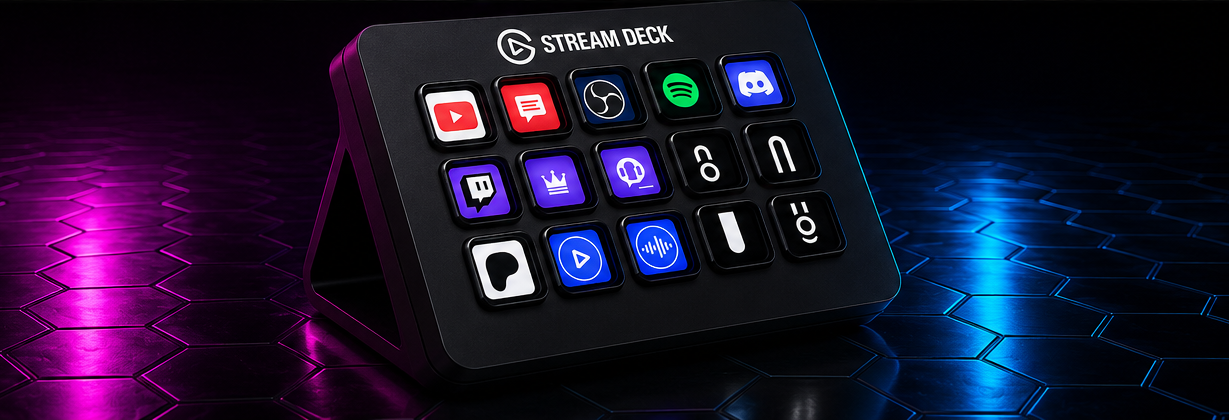
That fits the same philosophy behind my creator tools that actually earned a spot, my Stream Deck MK.2 review, and the workflow testing I do with tools like Kling AI 3.0 Omni. A tool does not need to be magical. It needs to save time, remove friction, or make money without creating three new problems.
If you want the deeper end of my increasingly ridiculous creator stack, I’m also building F.A.T.E., my local AI operator. The common thread is the same: own more of the workflow, automate the repetitive garbage, and keep the useful tools close.
4K Video Downloader Plus is still the main event
For me, 4K Video Downloader Plus is the anchor. 4K Download says it supports videos, playlists, and entire channels, and newer versions added things like a built-in browser, Smart Mode, sorting, folders, channel and playlist handling, and additional audio-track support. That is the stuff that turns a downloader from a one-trick utility into something you can actually keep in a production workflow.
As always, downloading something from the internet does not magically transfer copyright to you because a green button appeared. Use it for media you own, have permission to use, are legally allowed to archive, or otherwise have rights to work with. Humanity has somehow reached the point where software needs that sentence attached to it, so there it is.

Would I buy it?
Yep. I already use the software, and at the current $65 bundle price, buying the lifetime package makes more sense to me than stacking another recurring subscription into the creator budget. Five apps, Pro licensing, future updates, commercial use, and up to three computers is a strong little package for somebody who actually creates content instead of merely collecting software like digital Funko Pops.
I’ve also applied to the 4K Download affiliate program. Right now, the links in this article are regular non-affiliate links. If I’m approved, I’ll update the marked links with my affiliate tracking links. That will not increase your price, but it may send a commission back to MazHatterIX if you buy through them. I was using the app long before there was a commission involved, which is exactly how I prefer to recommend shit.
See 4K Download pricing and bundle options
Quick verdict
The idea: Bundle the creator utilities instead of nickel-and-diming people across a bunch of subscriptions.
Ease of use: One of the reasons I’ve kept using it for years.
The cool factor: Not glamorous. Useful, which is better.
Does it actually work tho: It has stayed in my workflow for years, so that answer is pretty clear.
The goods: One-time pricing, multiple apps, Pro features, future updates, three-computer activation.
The bad and the bullshit: Lifetime means the lifetime of the product, not eternity. Also, platform changes can always temporarily break downloader functionality until software catches up.
The cost: $65 for the bundle at the time of writing.
See It in Motion
This is a recent third-party walkthrough from verified tech channel Showmetech showing 4K Video Downloader Plus in use. It is not a sponsored MazHatterIX demo or an official 4K Download video; I’m including it because it shows the actual workflow instead of making you stare at another screenshot.
What I Pair It With
4K Download solves the grabbing-and-archiving part of the workflow. Once I actually need to cut, caption, sync, resize or turn that material into something publishable, I move into CapCut Pro. One gets the source material under control; the other is where I do the finishing work.
Affiliate disclosure: the CapCut link is one of my affiliate links. If you buy through it, MazHatterIX may earn a commission. That does not change the 4K Download verdict or pricing claims above.
MazHatterIX verdict: If you already know you need this kind of creator utility, the bundle is the move I’d look at first.
Official sources: 4K Download Store · 4K Download Bundle & Licensing FAQ · 4K Download Products


Pick the next rabbit hole.
Related stories first. Then what is hot, the current loadout, and Shorties.