
MAZHATTERIX // CREATOR TECH & ACCESSIBILITY | GUIDE
Everybody’s arguing about whether Logan’s claws feel heavy enough. Meanwhile, there’s a whole other question that matters just as much: can you make this game feel, look and play the way you actually need it to?
Insomniac packed Marvel’s Wolverine with a long list of options at launch. Some are for accessibility. Some affect performance or visual clarity. Others let creators capture shots without turning their social feeds into a wall of gore.
What is officially confirmed?
PlayStation’s feature announcement says Wolverine includes over 100 accessibility features, including high-contrast visuals, audio descriptions in English, Global Game Speed and strong haptic signals. It also includes separate toggles addressing blood and dismemberment, plus an English adult-language filter.
That last bit matters: these settings affect presentation and accessibility, not whether the game has a mature story. Disabling gore doesn’t magically turn the entire game into a Saturday morning cartoon.
Performance versus presentation on PS5
Reports from PS5 Pro players praise visual quality and describe different experiences with frame-rate-focused and fidelity-style modes. One player’s setup, display and preferences are not a universal benchmark. We aren’t inventing exact FPS results for every console.
If your TV supports VRR or high refresh rates, compare supported in-game options yourself. For a fast action game, consistent response and visual readability can beat a sharper still image. But photographers and players who value texture detail might prefer another tradeoff.
Content creators: use Photo Mode without wrecking your thumbnail
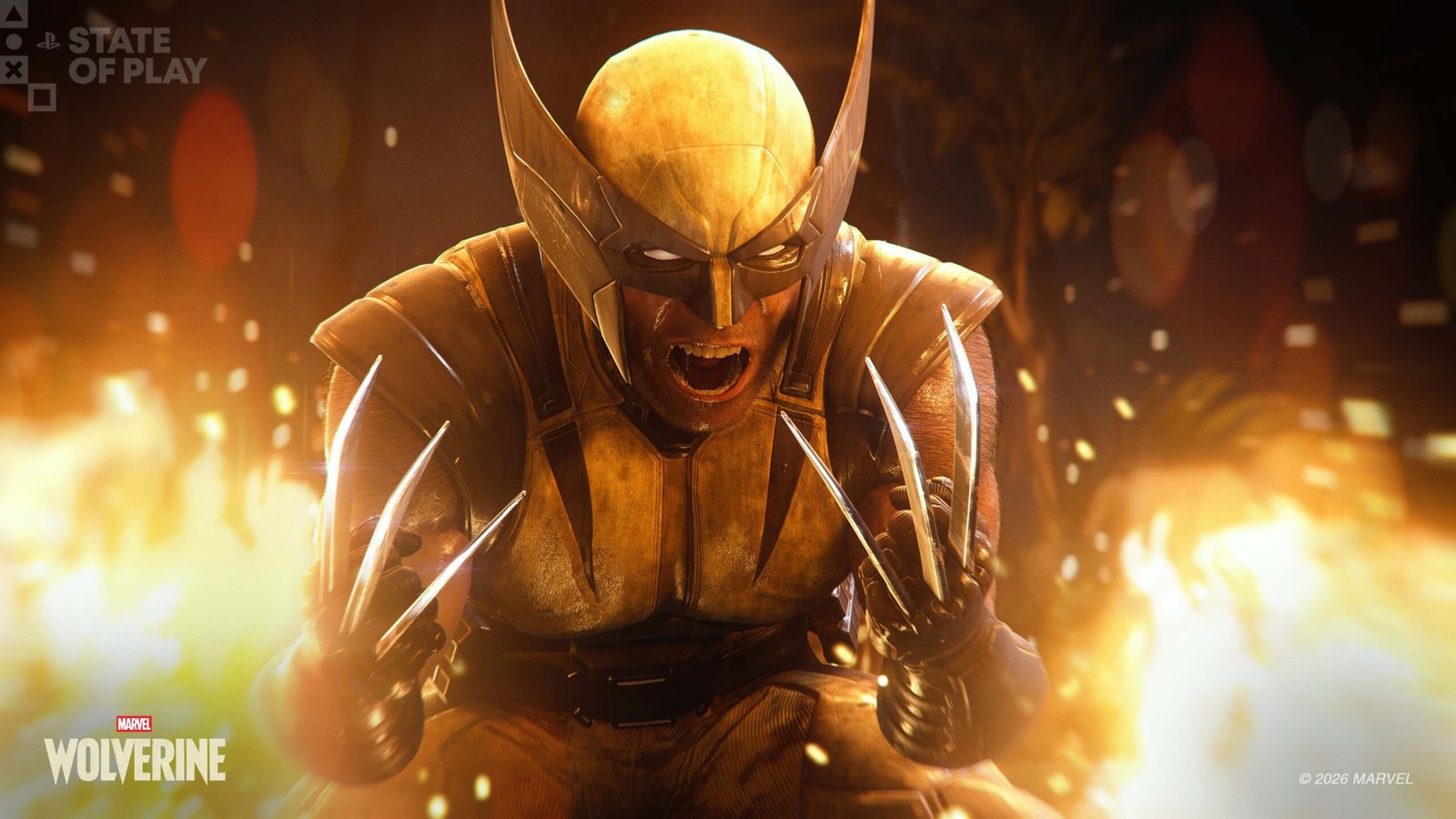
The game includes Photo Mode, with enhancements requiring its launch update according to official PlayStation information. That makes it worth experimenting with composition, claw silhouettes and lighting instead of uploading another generic blurry combat screenshot.
- Capture a dramatic action silhouette for the article cover.
- Use a separate, readable shot of the actual technique or settings screen for the header.
- Take one tighter inline image for the particular mechanic you’re explaining.
- Label game screenshots as screenshots, and developer art as developer art.
For streamers, consider which settings affect your audience’s comfort. Some viewers want the full brutality. Some absolutely do not. Content options exist so you can make an intentional choice.

The Maz Take: customization is a win, full stop
Wolverine being violent isn’t a shocking creative decision. The guy has six knives built into his hands. But giving players control over effects, clarity, speed and accessibility helps more people actually experience that story.
The best settings are the ones that let you follow the fight, understand what’s happening and enjoy it. If your screen looks like a fireworks warehouse exploded into a blender, you’re allowed to turn some stuff down.
Maz verdict: Stop judging every player by your preferred setup. Accessibility and presentation options are good game design.
More from the MazHatterIX Wolverine desk
Marvel’s Wolverine HQ · the player debate · performance and accessibility guide · New Game Plus quick guide · our original launch coverage.
Sources and community viewpoints
- Insomniac: Wolverine feature and accessibility overview
- Reddit: PS5 Pro experiences
- Developer discussion
Independent analysis of publisher information and player reports. Neither a review key nor personal playtest is implied by this reporting.
YOUR TAKE
Agree, disagree, or tried it yourself? Tell us what you think.