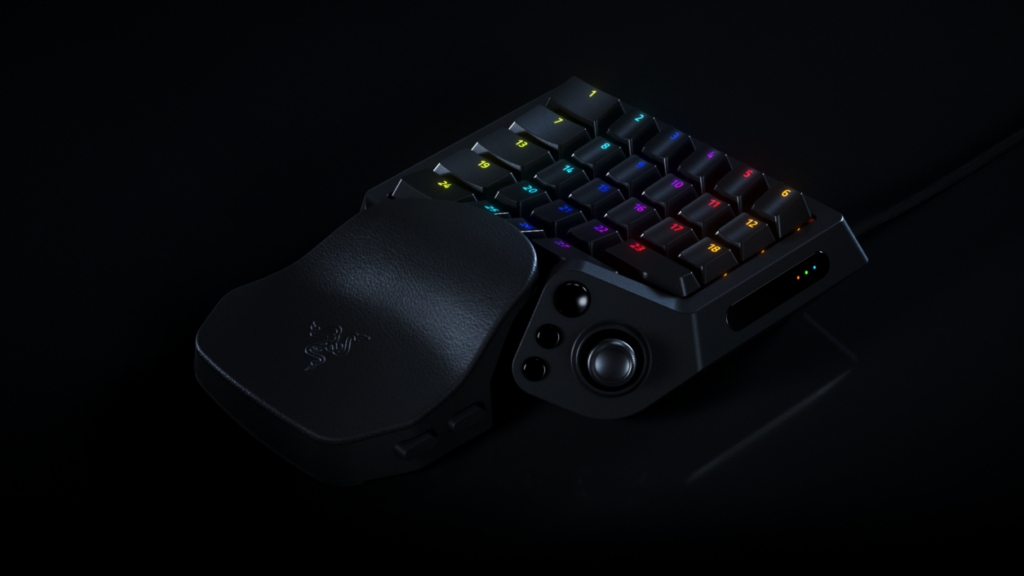
Razer Tartarus V2 Pro puts 31 programmable controls and a thumbstick under one hand. If your keybinds already look like a tax form, this is an interesting piece of desk hardware. Whether it earns the space depends on what you actually do with those buttons.
Razer Tartarus V2 Pro: what changed
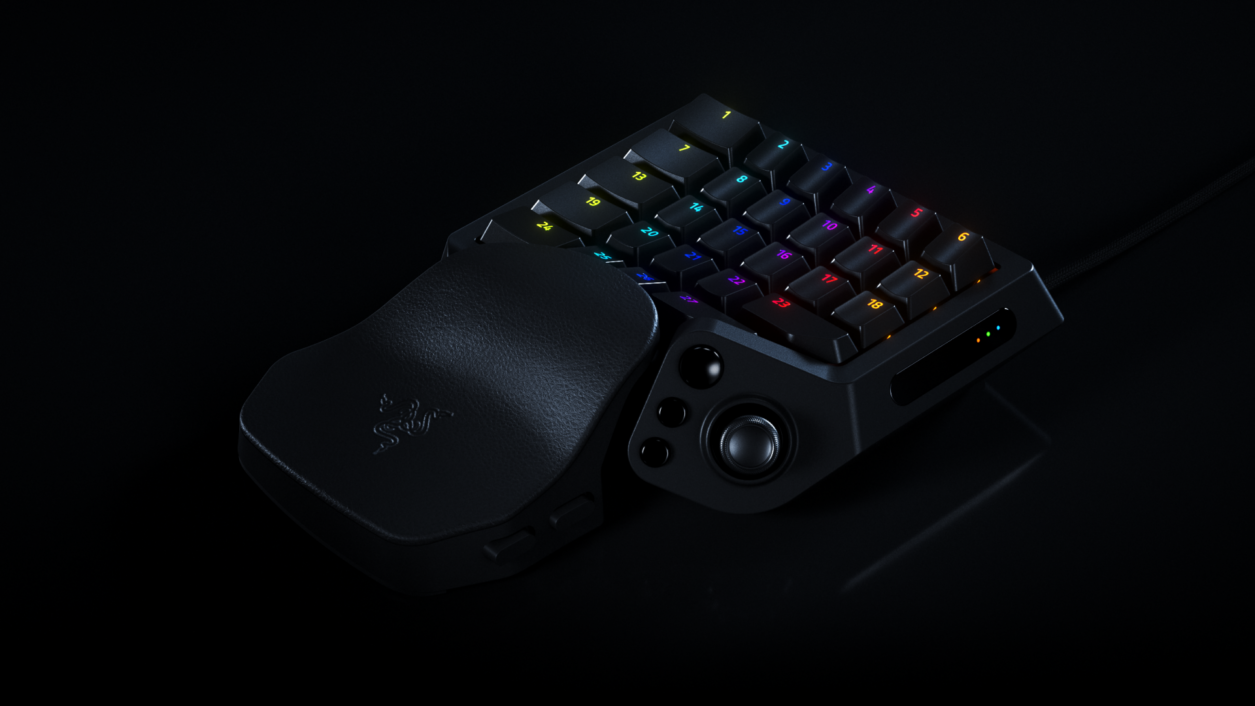
Razer announced the keypad September 17, 2026, with analog optical switches, adjustable actuation, Rapid Trigger and a wrist rest that slides and rotates. The hardware also includes a TMR thumbstick and supports polling up to 8,000 Hz. Those are manufacturer specifications; we have not tested latency, durability or comfort.
The interesting part is the layout
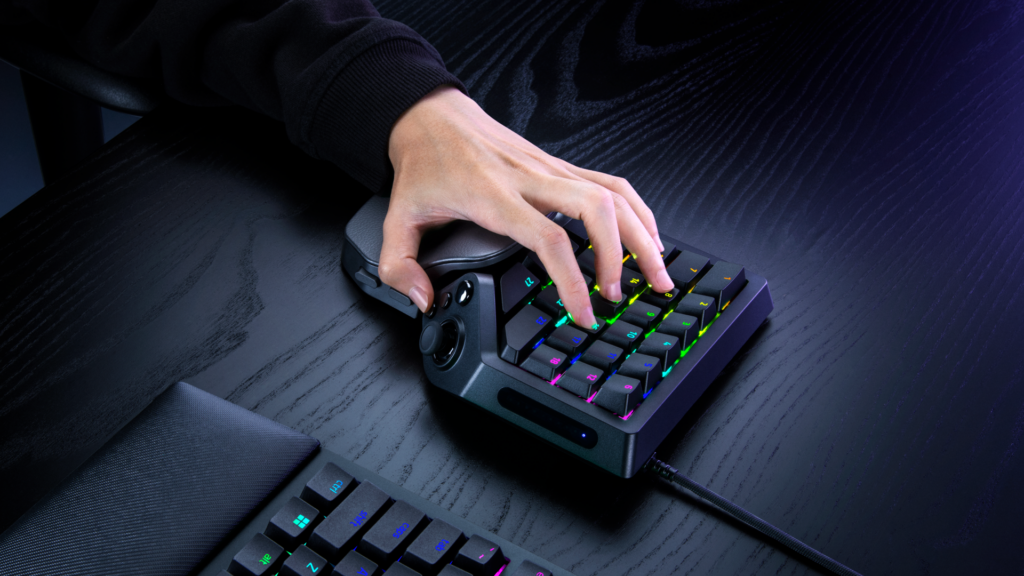
The official product page describes configurable keymaps and profiles through Synapse. For a player juggling abilities, inventory and movement, the pitch is fewer awkward reaches and a layout tailored to the game. It still requires learning that layout. Thirty-one buttons cannot remember your keybinds for you.
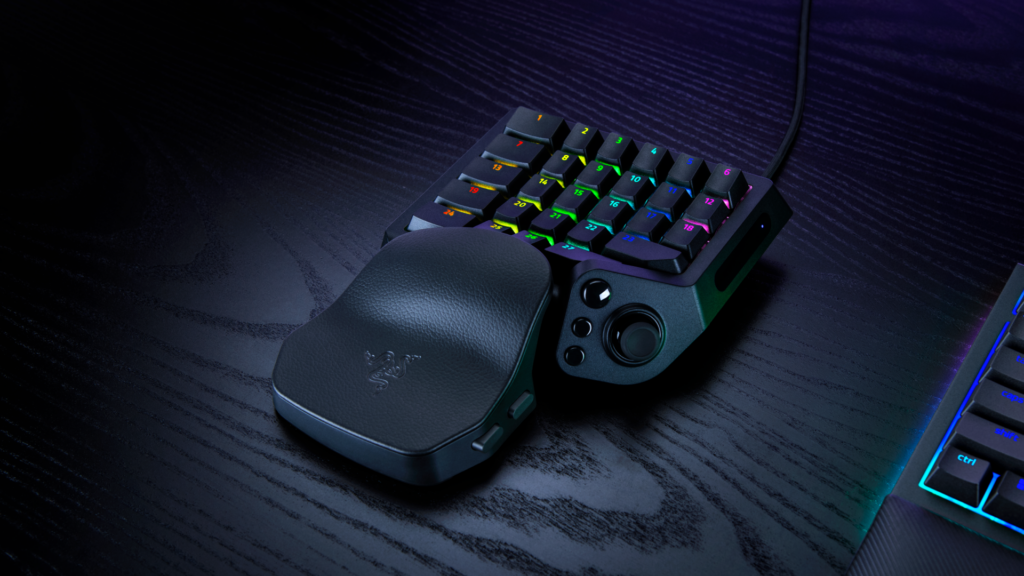
Razer’s product page includes demonstrations of the controls and wrist-rest adjustment. Watch those before deciding whether the shape fits your setup. The images below show the manufacturer’s design; they do not prove it will feel comfortable in your hand.
The Maz take: useful buttons beat expensive decoration
The question I would test is simple: can this make a repeated action easier without creating three new things to configure? For a dedicated MMO or ability-heavy setup, that could be compelling. For somebody perfectly happy with a regular keyboard, more hardware is not automatically more control.
My test list would start with one game, one sensible layout and a normal session. Count missed inputs, accidental presses and the time spent hunting for a control. The expensive part of new gear is not always the checkout—it is teaching your muscle memory a new address.
Price and local stock still need checking before a buying recommendation. Any advanced input automation also needs to fit the game’s rules. This article contains ordinary source links, not a claimed Razer sponsorship or an approved affiliate offer. The official affiliate program requires acceptance and authorized tracking links.
Compare the idea with our current Loadout, explore the Gaming hub, or see the WARDOGS breakdown before buying another solution for a problem you might not have.
YOUR TAKE
Agree, disagree, or tried it yourself? Tell us what you think.