THE PAYOFF: Yes, an RTX 5060 8GB can do real local AI work. No, 8GB of VRAM does not magically become 24GB because a YouTuber made a surprised face in a thumbnail. We have ComfyUI running with CUDA on ours, local models running through Ollama, and we’re building an actual creator stack around it. The trick is choosing the right workloads and not configuring the card like you hate it.
This question is hot right now because people keep buying newer 8GB cards and immediately discovering that AI workloads care about VRAM in ways gaming benchmarks don’t explain. A fresh October Reddit thread is asking exactly which models make sense on an RTX 5060 8GB, while other 5060 owners are sharing surprisingly capable ComfyUI results.
Our actual machine
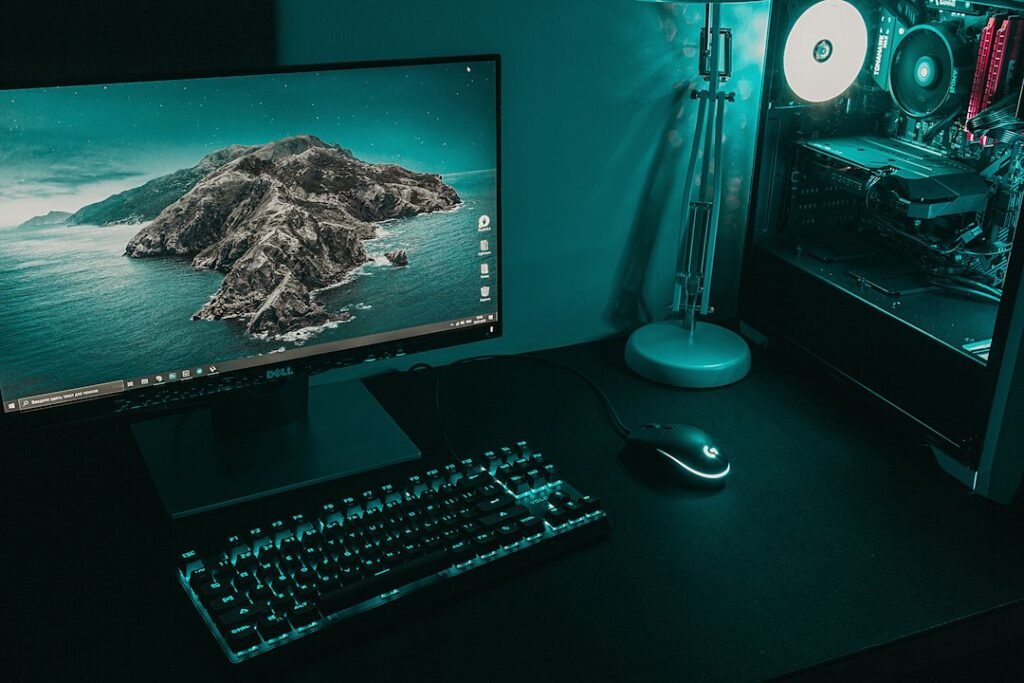
Our main build is a Ryzen 7 5700, 32GB RAM and an RTX 5060 8GB. We have PyTorch seeing CUDA 13.0 correctly, ComfyUI installed, Ollama local models running and a larger F.A.T.E./Production Director stack being built around the machine.
So this isn’t “according to a spec sheet.” We’re using the damn thing.
What the community is finding
One recent r/comfyui post showed an RTX 5060 laptop with 8GB running local FLUX stills and WAN motion. The interesting part wasn’t merely that it worked. The poster found that bad settings and unnecessary CPU offloading were causing much of the terrible performance they originally blamed on the GPU.
Other 5060 discussions are less cheerful. People report the exact hell we’ve encountered: Python versions, CUDA compatibility, pip dependencies and node setups turning a simple “install the AI thing” afternoon into an archaeological expedition.
That means the honest answer is somewhere between “8GB is useless” and “8GB runs everything.” Both are internet-grade bullshit.
Where 8GB is actually enough
For local LLMs, smaller quantized models are absolutely useful. We run local models through Ollama as part of F.A.T.E.. For image generation, ComfyUI can work with lower-VRAM strategies, quantized models and sane resolutions. For video, things get tighter fast and model choice matters a lot more.
The newer ComfyUI ecosystem is also getting smarter about local hardware. Comfy’s official local MCP project lets an AI agent inspect local ComfyUI, build/edit/run workflows and even reason about available VRAM. Their own documentation specifically discusses coordinating ComfyUI with Ollama or another local LLM when both want the same GPU memory.
The stupid problem nobody mentions
Your local LLM and your image/video model can both be perfectly capable of running on your GPU and still refuse to coexist because they’re fighting over the same 8GB.
That’s not theoretical for our build. F.A.T.E. wants local inference. ComfyUI wants the GPU. Production Director wants media processing. The solution is orchestration: unload what isn’t needed, run the heavy job, then reload the assistant. That is much more interesting than pretending everything runs simultaneously because the word “AI” is printed on the box.
5060 8GB vs older cards with more VRAM
This is where buying advice gets messy. Community discussions regularly compare the 5060 8GB with cards like the RTX 3060 12GB. The 5060 is newer and faster, but 12GB can be easier when a model simply needs more room. For AI, “newer GPU wins” is not always the entire story.
If you already own a 5060 8GB, though, don’t panic-buy another card before learning what yours can actually do. Quantization, model choice, offloading strategy, resolution and workflow design can change the experience dramatically.
Our verdict so far
The RTX 5060 8GB is a legitimate entry-level local-AI card with an annoying ceiling. It is enough to learn, build, generate images, run useful local models and experiment with video. It is not the card I’d buy if my only goal were giant local models and heavy AI video all day.
But our goal isn’t benchmark masturbation. It’s to find out whether one normal creator PC can run enough local AI to reduce subscriptions and automate actual work.
So far? Yes.
Follow the build in AI Tools, Creator Tech and our F.A.T.E. build series.
Further reading: Comfy’s local MCP announcement, Comfy MCP, and current r/comfyui discussions including 8GB real-world results.
YOUR TAKE
Agree, disagree, or tried it yourself? Tell us what you think.